How to order
Zamówienie drogą telefoniczną
 Klienci, którzy nie chcą korzystać z zamówień internetowych, mogą złożyć swoje zamówienie telefonicznie, dzwoniąc pod numer telefonu: 22 623 85 61. Nasi doradcy chętnie odpowiedzą na pytania, udzielą wszelkich porad, przyjmą zamówienie oraz poinstruują, jak należy dokonać płatności.
Zamówienie za pośrednictwem poczty e-mail
 Innym, wygodnym sposobem na złożenie zamówienia jest przesłanie do nas wiadomości e-mailowej na adres poczty elektronicznej: info@metalmarket.eu. W wiadomości należy podać nazwę produktu, którym są Państwo zainteresowani oraz ilość, a także swoje dane personalne i adresowe. Skontaktujemy się z Państwem e-mailowo lub telefonicznie w celu potwierdzenia zamówienia oraz ceny.
Zamówienie lub zakup bezpośrednio w salonie sprzedażowym
 Jeśli chcą Państwo dokonać zakupu osobiście, zapraszamy do naszego salonu sprzedażowego Metal Market Europe zlokalizowanego w Warszawie przy ulicy Wiejskiej 11 lok. 1. Salon czynny jest od poniedziałku do piątku w godzinach 10:00 - 18:00. Zobacz mapę google
Zapraszamy do kontaktu
Doradcy firmy Metal Market chętnie odpowiedzą na wszelkie pytania i udzielą niezbędnych informacji telefonicznie lub drogą e-mailową.
Skontaktuj się z nami »
How to order
Ways to order. In order to make a purchase in metalmarket online store.eu you can use one of four ways to place an order.

Order through the online store
 Placing an order as a non-logged-in user is possible, but by creating your user account on our site, you can gain many additional opportunities, such as tracking your shipment or making future purchases easier and faster. After registering in the online store, you can participate in contests, receive information about news, promotions and sales.
Order process
5 steps to order
Step 1
User account login.
2 step
Provision of personal and address data.
3 step
Choice of payment and delivery method
4 step
Clicking the button "PLACE ORDER WITH OBLIGATION TO PAY""
5 step
Order confirmation.
Step 1. Logging in to a user account with a unique name and password or registering with the service.
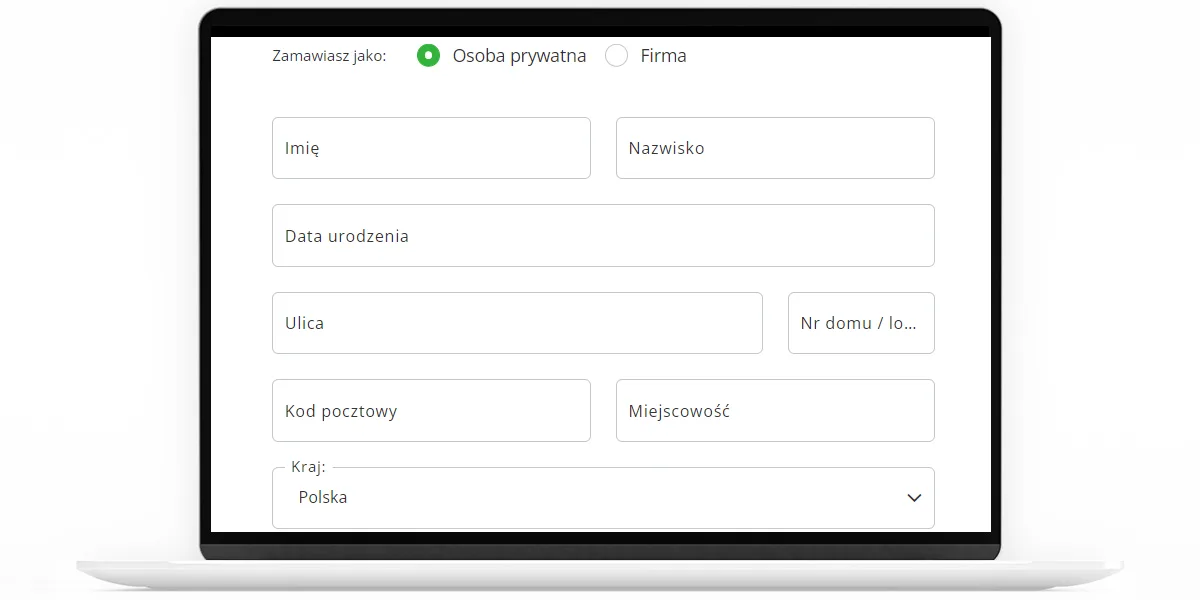
Step 2. Provision of personal and address data. They are necessary for the execution of the order. We send messages to the e-mail address provided to inform customers about the status of the order. A phone number may prove indispensable in a situation where the courier delivering the package will not find the addressee at home.
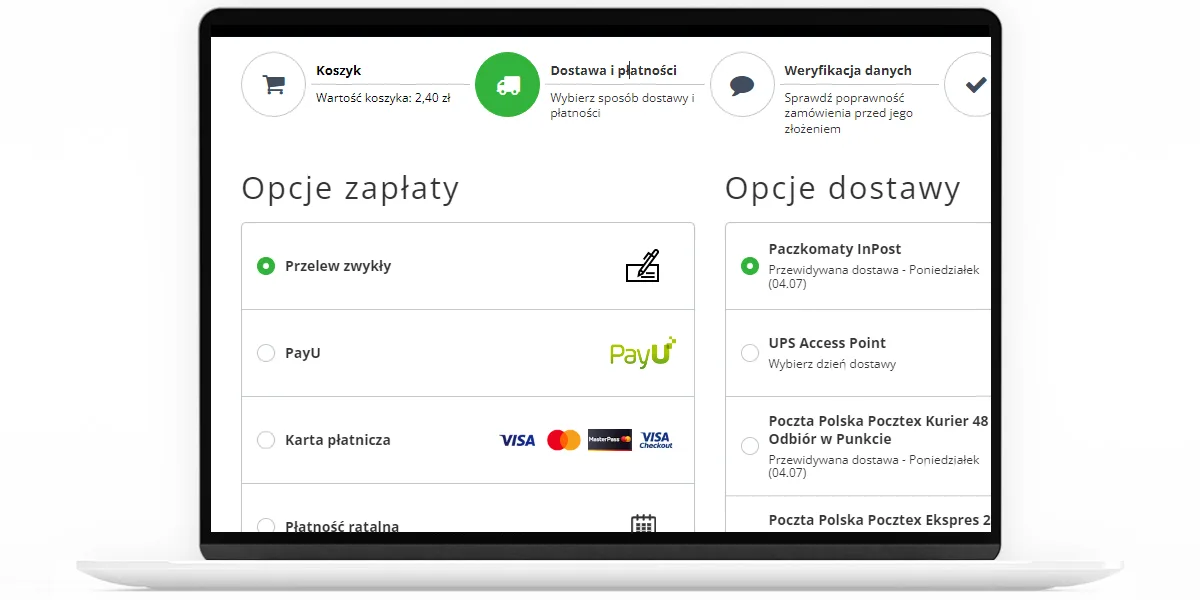
Step 3. Choice of payment method. You can pay for your order by making a transfer directly to our bank account, by making an electronic transfer through DotPay, by paying by credit card online or by cash to the courier when you pick up your package.
Step 4.Checking the order details. If all the data has been entered correctly, click the "MAKE ORDER WITH PAYMENT OBLIGATION" button to proceed further.

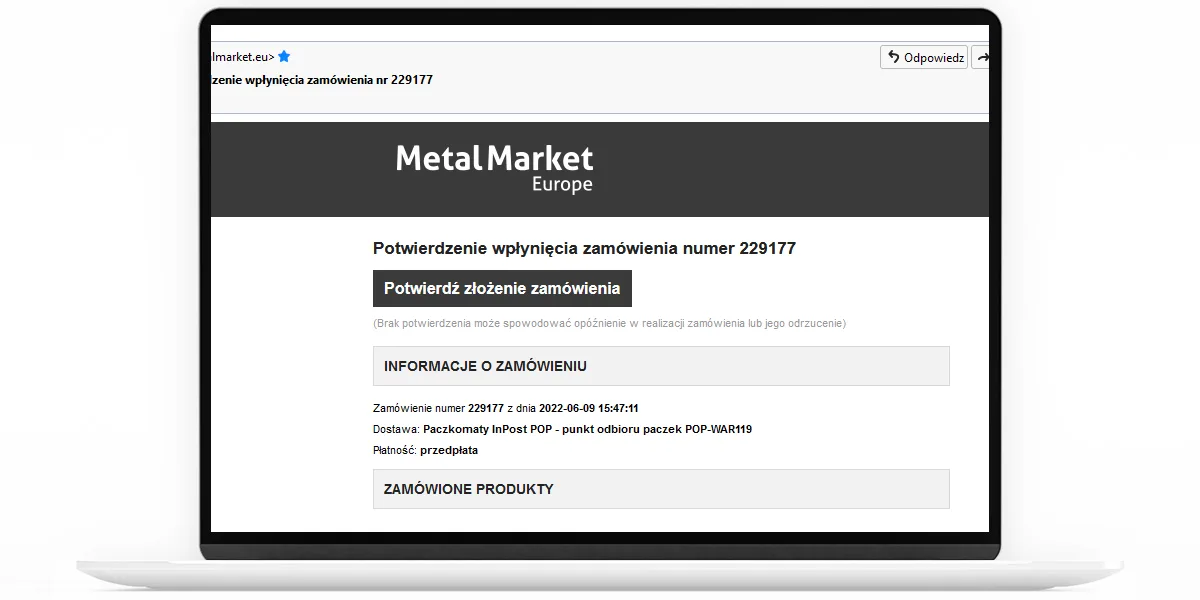
Step 5. Order confirmation. After step 4, you will receive an automatic email from us asking you to confirm your order. Confirmation occurs when you click on the link in the body of the email, and the order is forwarded for processing.